A personal chief of staff
Your day, already organised.
- You have
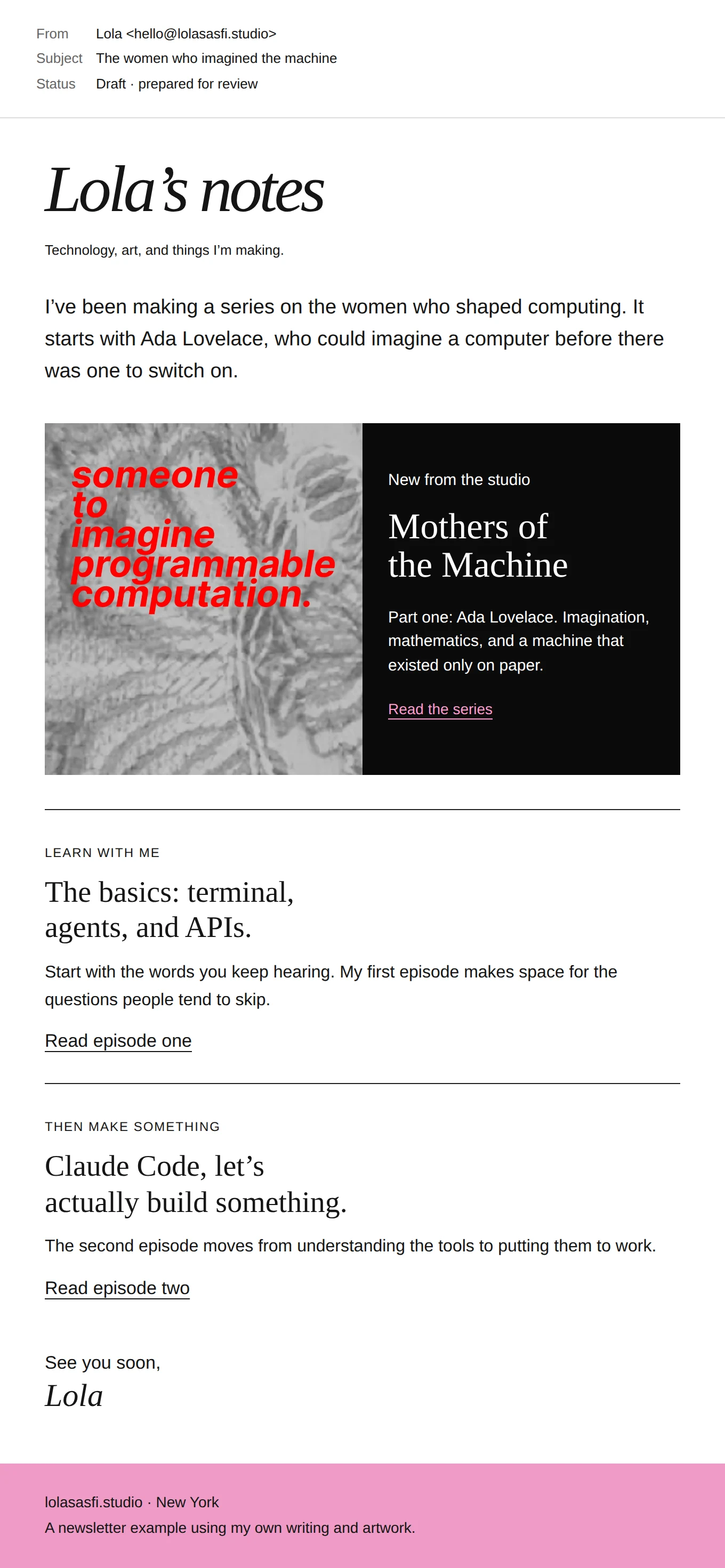
Inbox, calendar, meeting notes.
- I build
The context, priorities and follow-ups.
- You get
A morning brief, meeting prep and drafts ready for review.
You decide what it can do on its own and which messages need your approval.
Book a call about this workflow
A personal marketing AI assistant
A marketing assistant that knows your world.
- You have
Saved posts, audience questions, performance data.
- I build
Research, content ideas and reporting.
- You get
A research digest, useful ideas and newsletter drafts.
Your voice and judgement stay in the work. You review, edit, and send.
Book a call about this workflow
Custom creative workflows
More creating. Less reformatting.
- You have
References, footage and brand guidelines.
- I build
The repeated steps in your creative process.
- You get
Organised assets and a first pass ready for your direction.
We choose the steps that are useful to automate. You keep creative direction and final approval.
Book a call about this workflow
Connected team workflows
From incoming request to work in progress.
- You have
Client requests, call notes and project details.
- I build
Intake, tasks, handoffs and approvals.
- You get
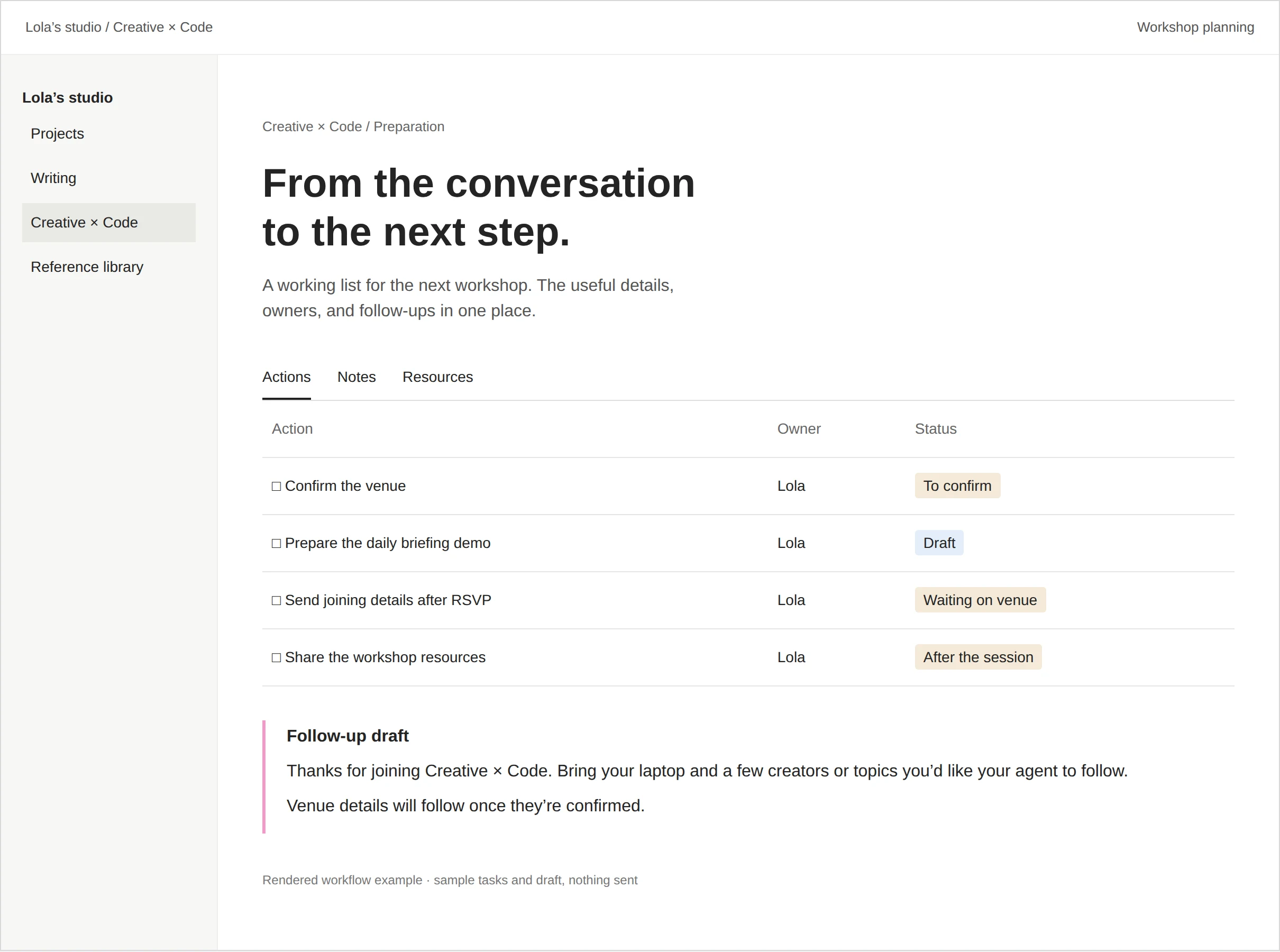
A clear brief and a project ready to start.
We agree who owns each step, what needs a review and how the system flags a problem.
Book a call about this workflow
Your own research assistant
The useful findings, brought to you.
- You have
Articles, videos, industry sources and data.
- I build
Collection, comparison and the patterns between them.
- You get
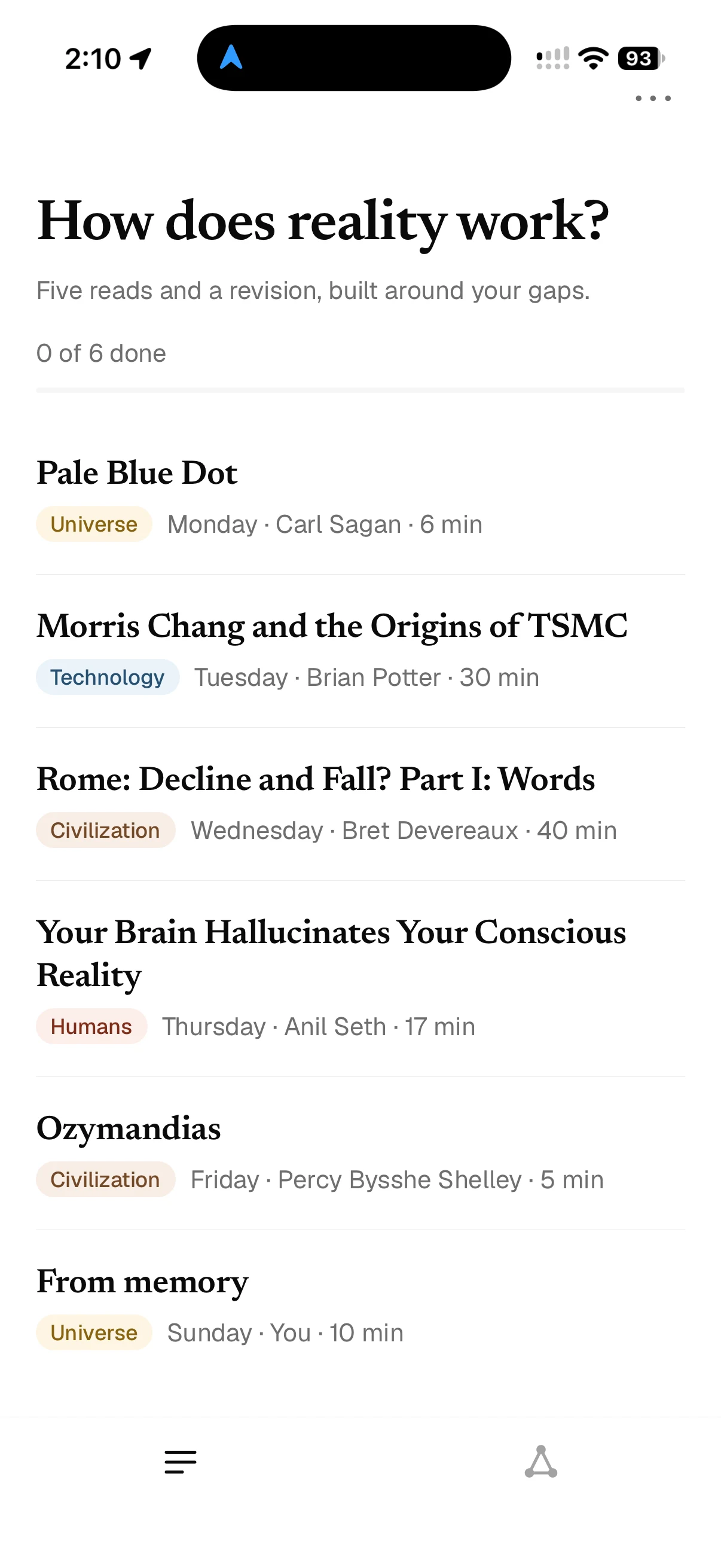
A source-linked briefing or report in your format.
Findings stay connected to their sources, so you can check the detail before using them.
Book a call about this workflow
An assistant for your customers
Good answers. In the right hands.
- You have
Customer questions and your documentation.
- I build
Answers, routing and the moments that need a person.
- You get
Response drafts and the right context for your team.
You set the boundaries for automatic replies and when a person should take over.
Book a call about this workflow